Can I Add a Desktop shortcut for OnShip Elite (Windows Only)
Download a copy of the desktop icon here (Right Click select save link as or save target as)
|
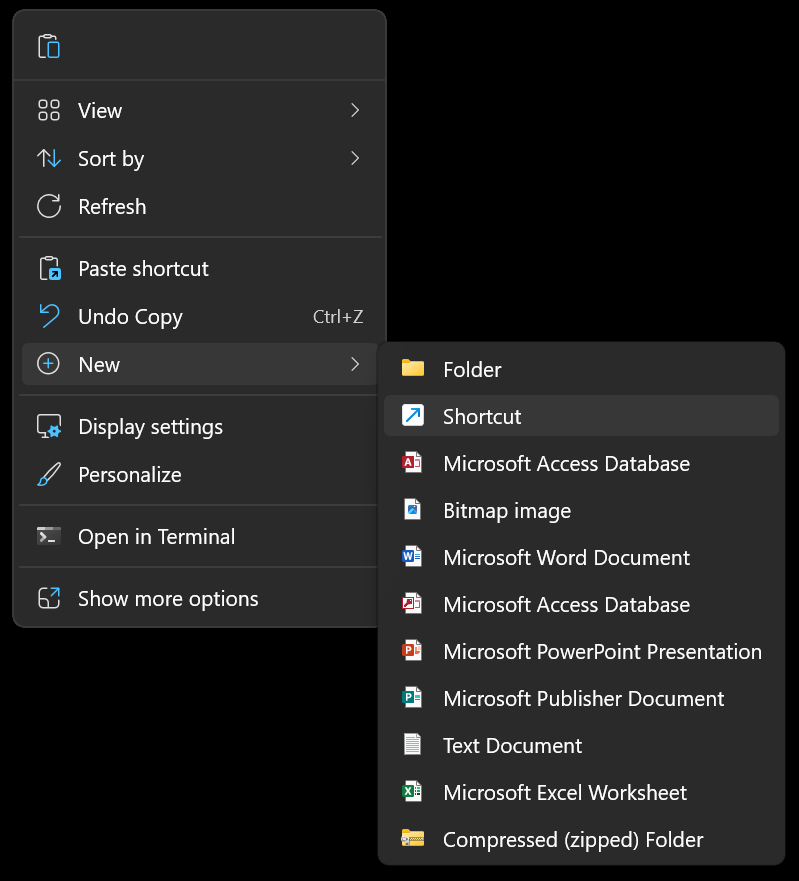
Right Click on the desktop select "New" then select "Shortcut"
|
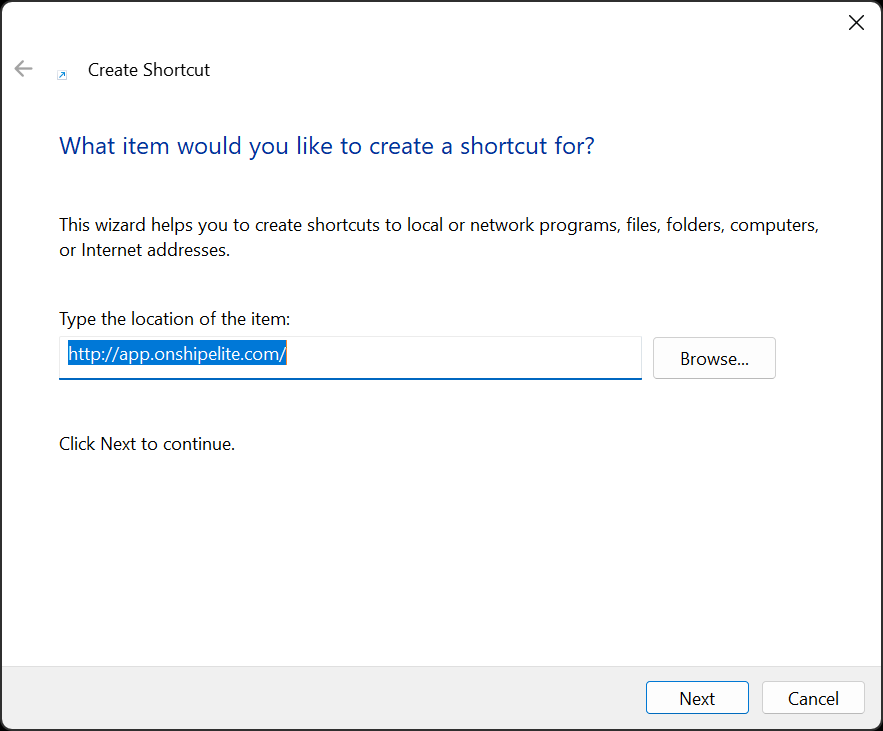
Enter http://app.onshipelite.com/ into the text box then click the "Next" button
|
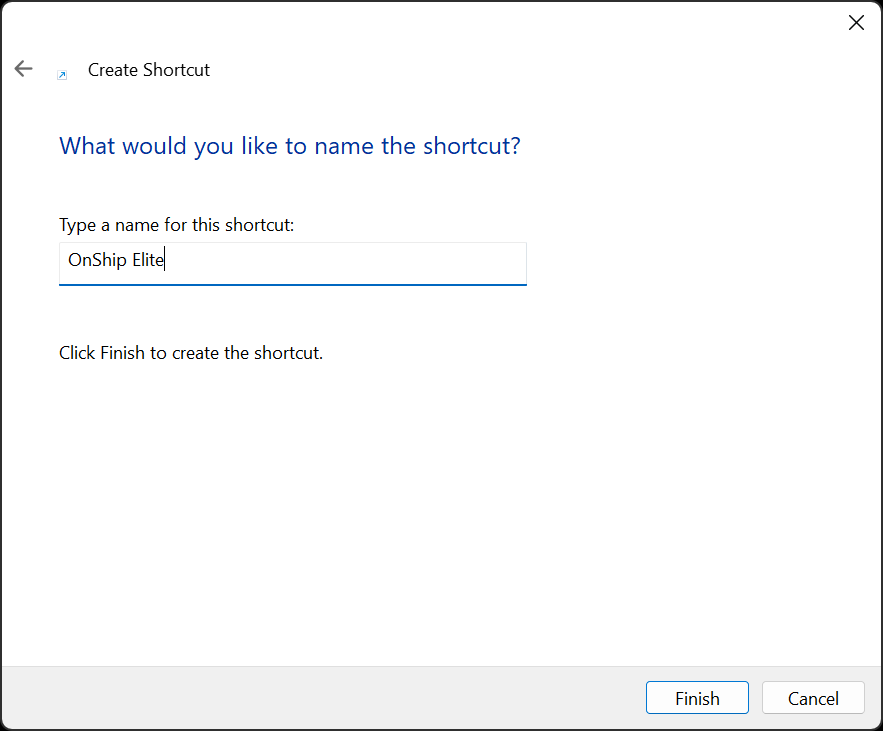
Type the shortcut name OnShip Elite into the text box and click Finish
|
Download a copy of the desktop icon here (Right Click select save link as or save target as)
|
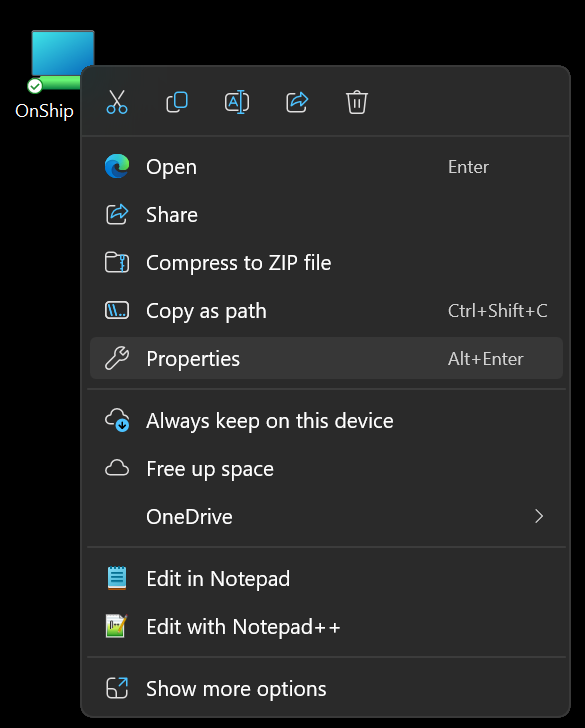
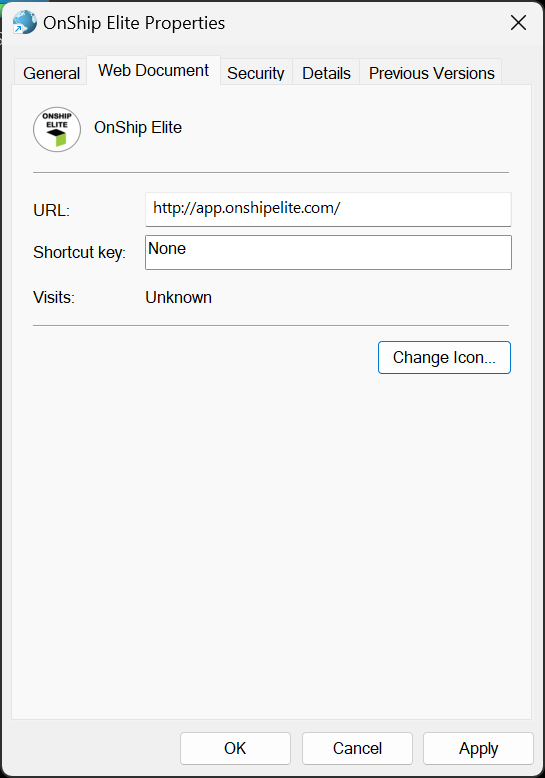
Right click on the desktop icon and select properties.
|
Click the Change Icon Button
|
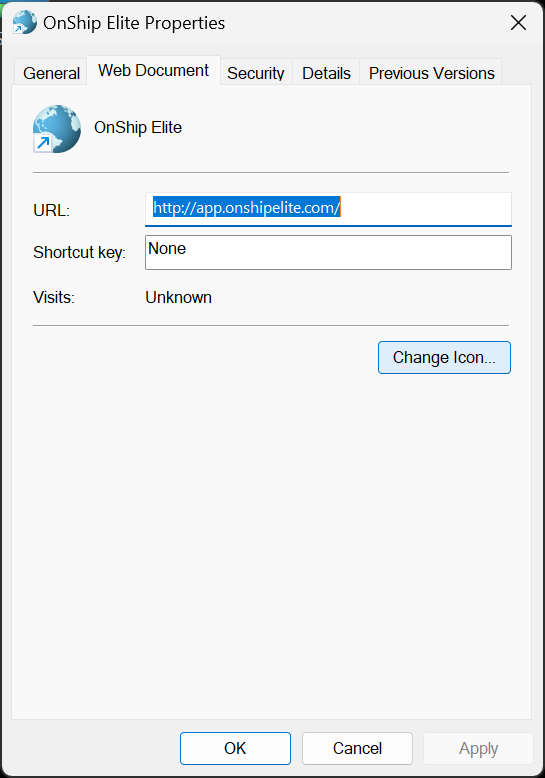
Click the browse Button
|
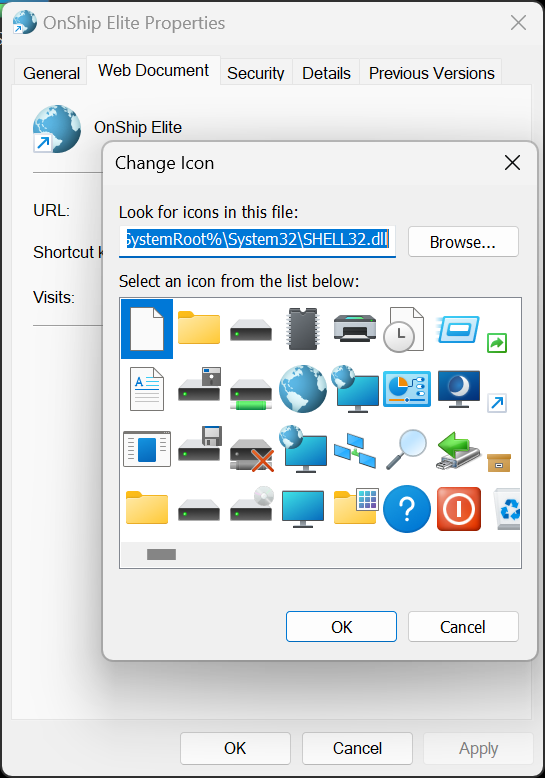
Navigate to where icon file was downloaded and click open
|
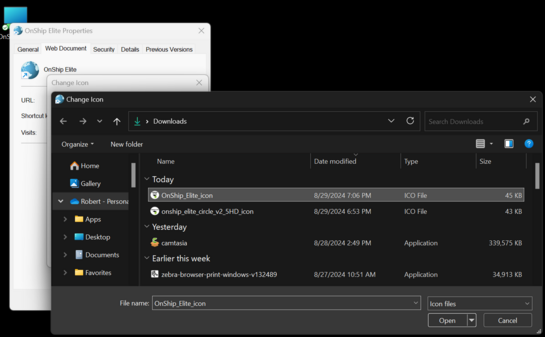
Icon will appear in the window click OK
|
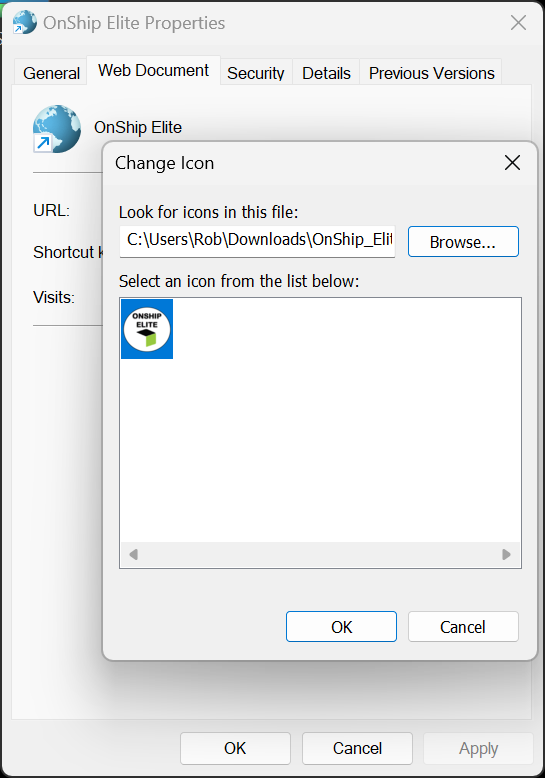
Click the Apply Button then OK button
|
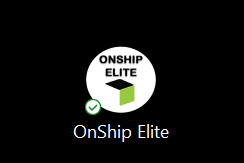
Sample of desktop icon
|
Download a copy of the desktop icon here (Right Click select save link as or save target as)
|