How do I add my UPS Account so I can see my rates?
The user will need admin access to complete this task!The information needed to onboard your UPS carrier rates on OnShip Elite is as follows:
|
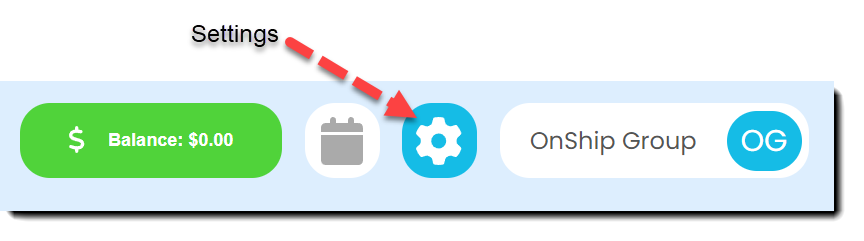
Click on the gear (Settings) icon at the top right corner of screen
|
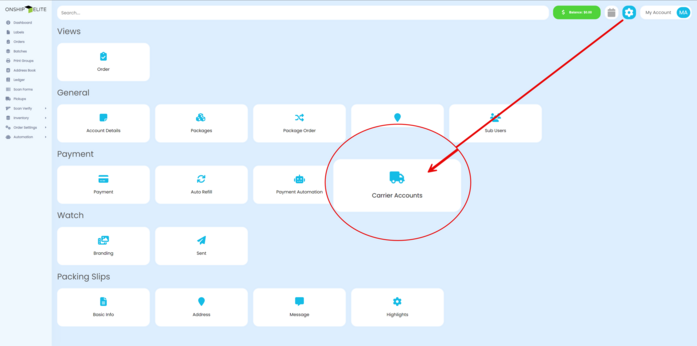
Select the "Carrier Accounts" button
|
The right side window will appear
|
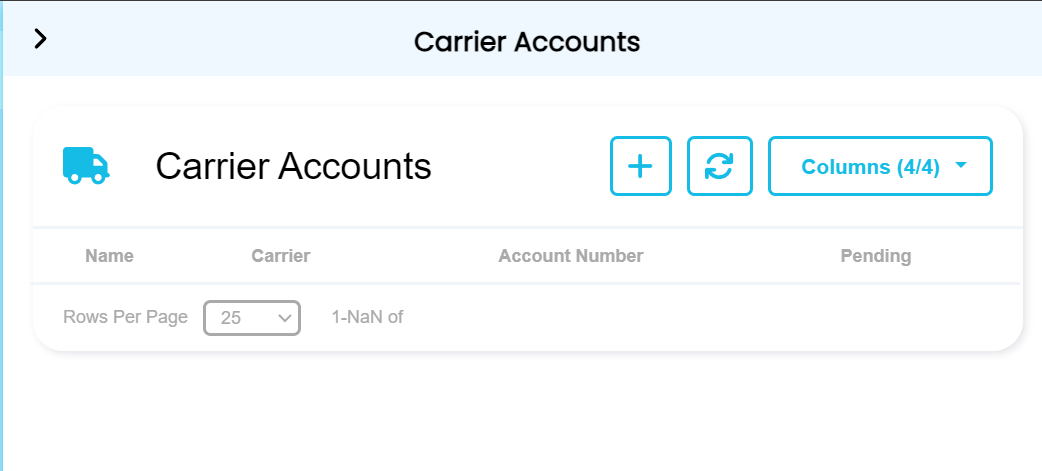
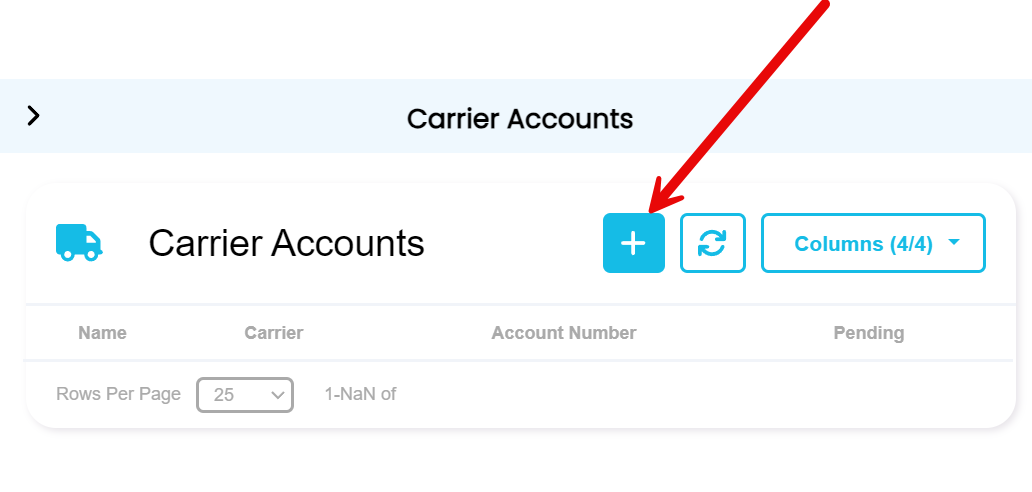
Click the "+ button" on the right side window.
|
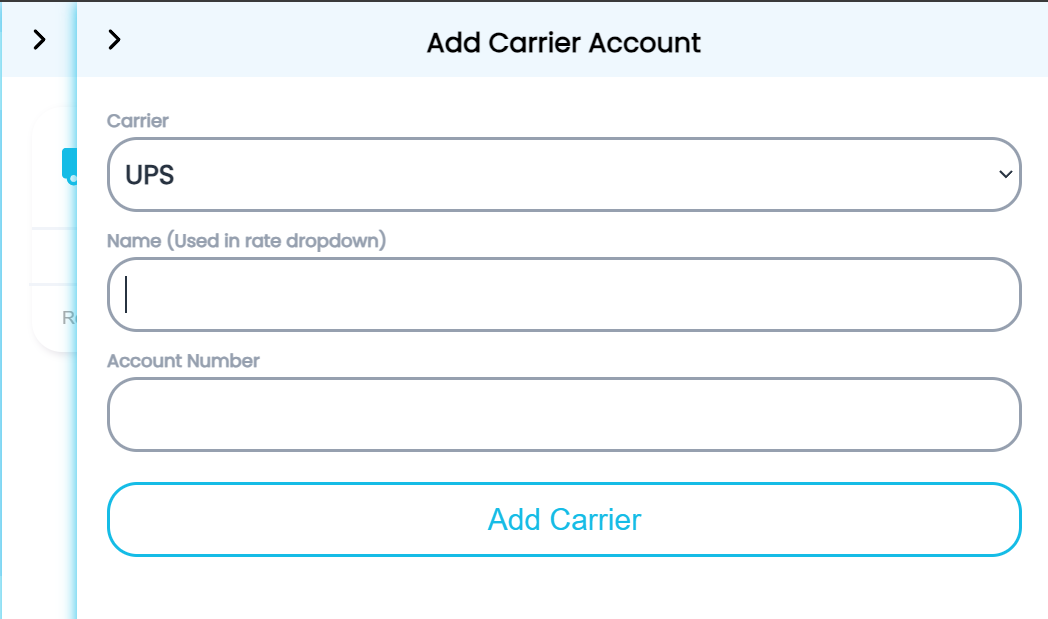
Select Ups from the Carrier drop-down box
Enter the Name to be used in the rate drop down box and the UPS account number then click the "Add Carrier" button
|
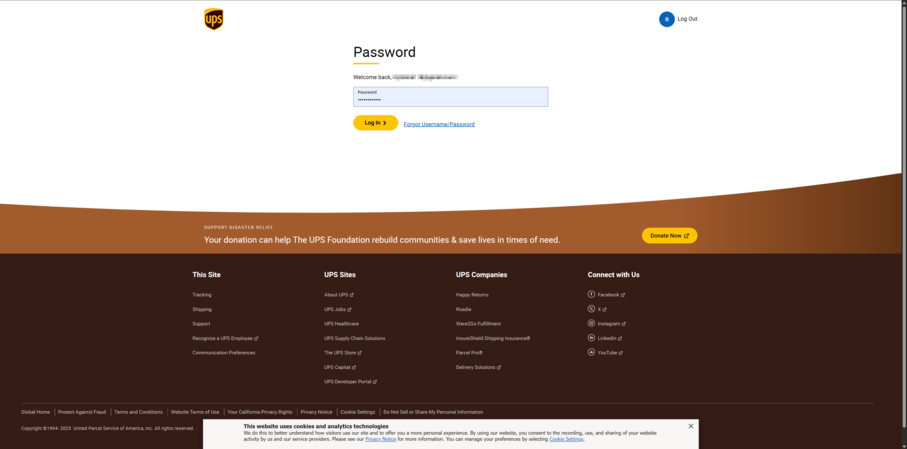
You will be forwarded to the UPS website where you will Log In with your UPS credentials.
You will be asked if you wish to connect to EliteWorks.
Click the checkbox on the Login form and Enter username.
|
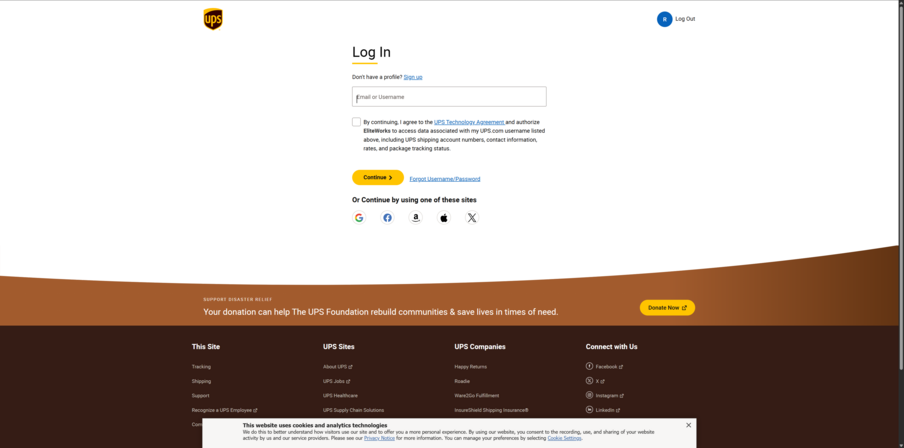
Click the checkbox on the Login form and Enter username
|