How do I Change the Password on my Account?
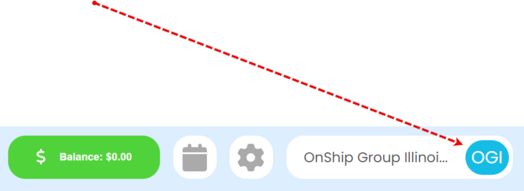
Click the Account Selection Button
|
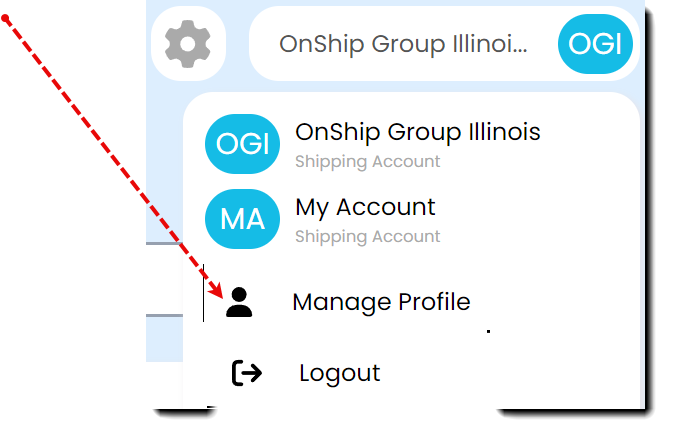
Click Manage Profile
|
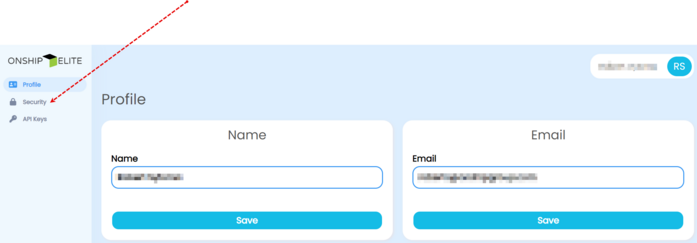
Click Security from the left side menu
|
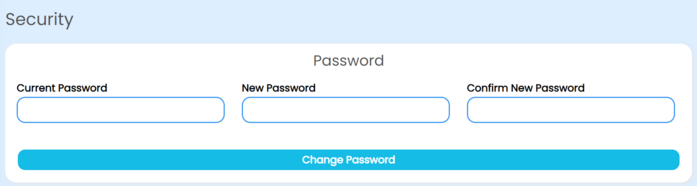
Enter Current password, New password, and Confirm New Password. Then click the Change Password button
|
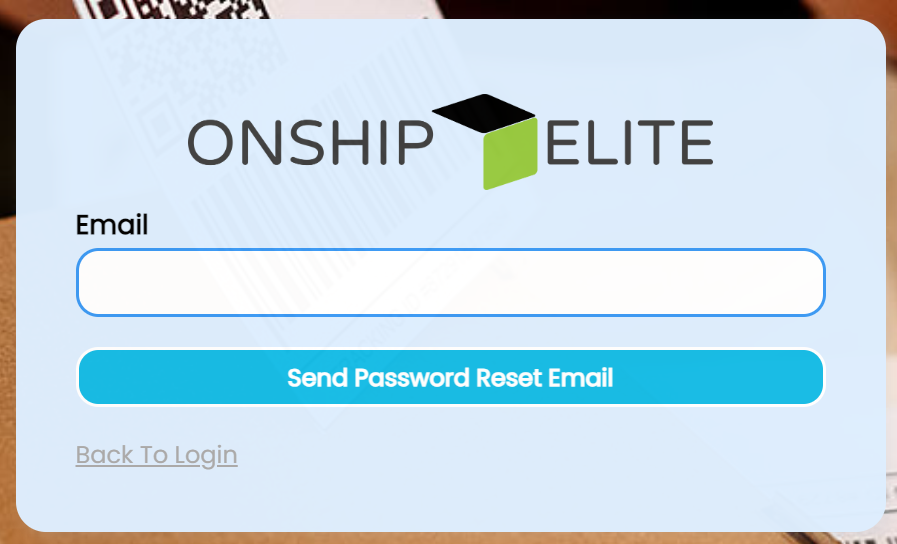
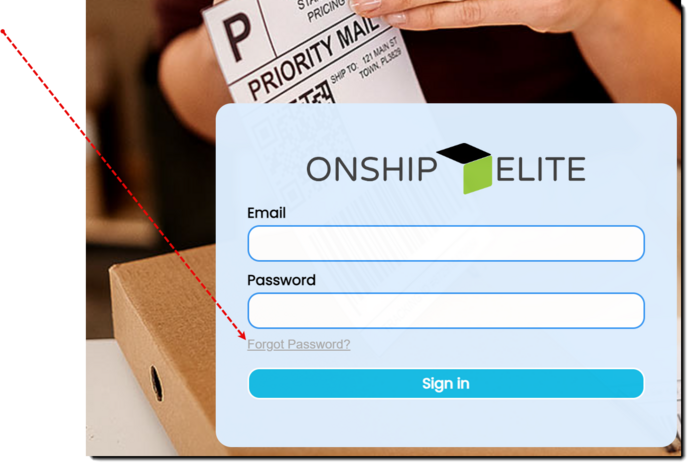
If you do not know the current password, go the login screen and click forgot password
Login Screen - https://app.onshipelite.com/
|
Enter the login email and click "Send Password Reset Email"
|