How do I import Multiple Orders into OnShip Elite
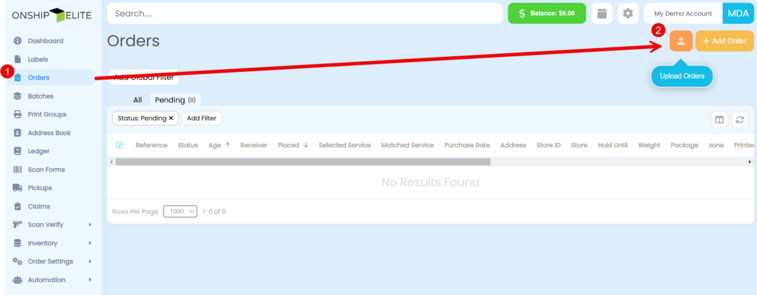
From the left side select "Orders" then click the "Upload Orders" button
|
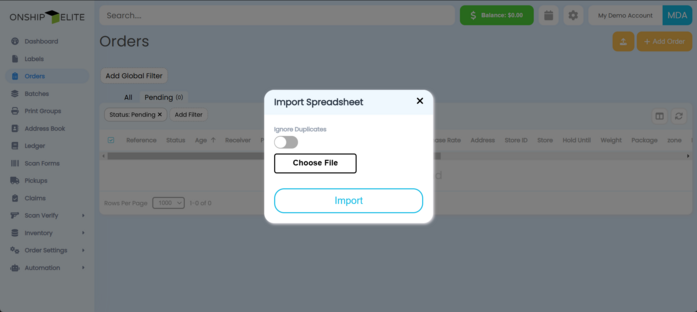
Click the "Choose File" button and then navigate to the CSV file you are uploading
|
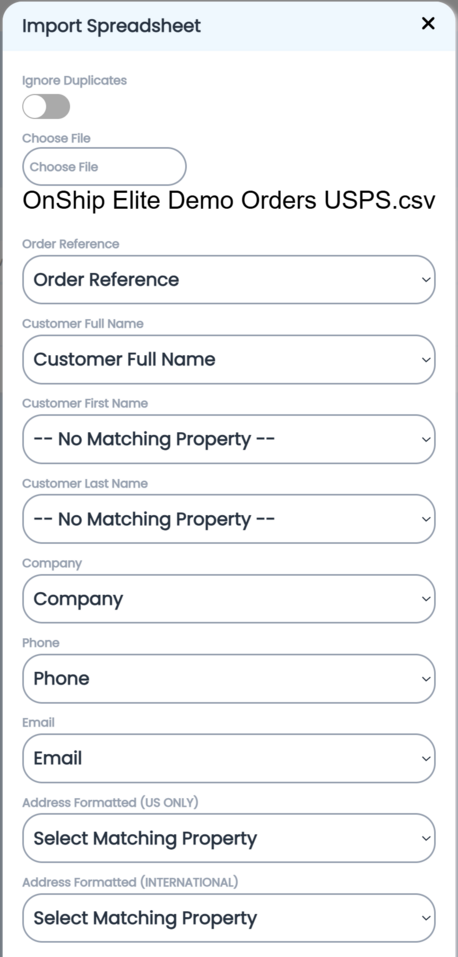
The Headers or Column names will appear in the drop down fields. Match the corresponding OnShip Field to the correct CSV Header Name
If the field is not used you must select "No Matching Properties"
Then click the "Import" Button
|

If the field is not used you must select "No Matching Properties"
Then click the "Import" Button
|