Where do I locate and generate My API Key?
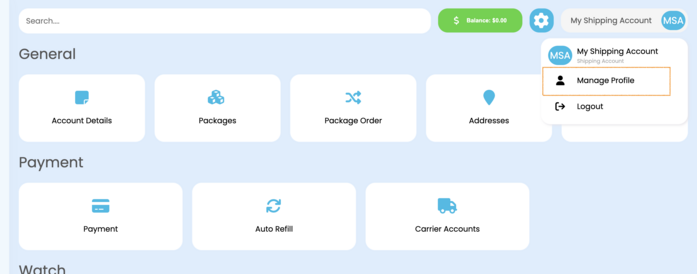
Step 1: Navigate to "Manage Profile"
|
Step 2: Navigate to "API Keys"
|
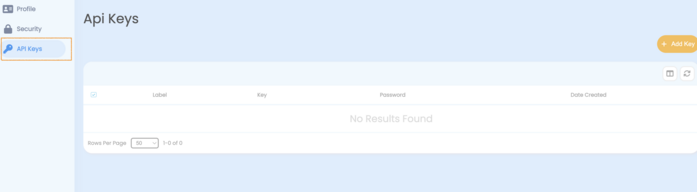
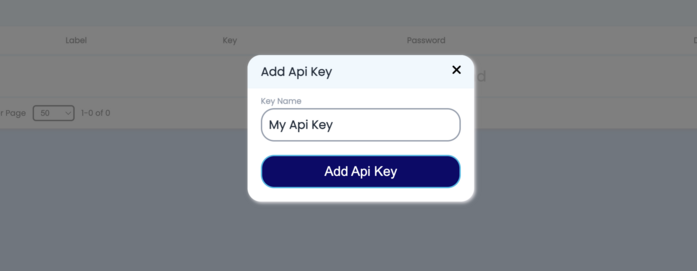
Step 3: Navigate to "Add API KEY and give it a unique name - should be description on what you are going to use the API KEY for."
|
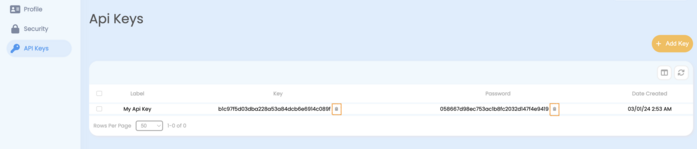
Step 4: Navigate to "Copy API KEY and API PASSWORD by clicking the copy icons next to them"
|
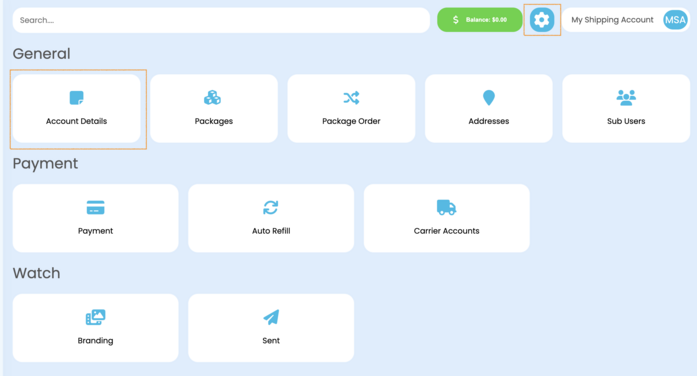
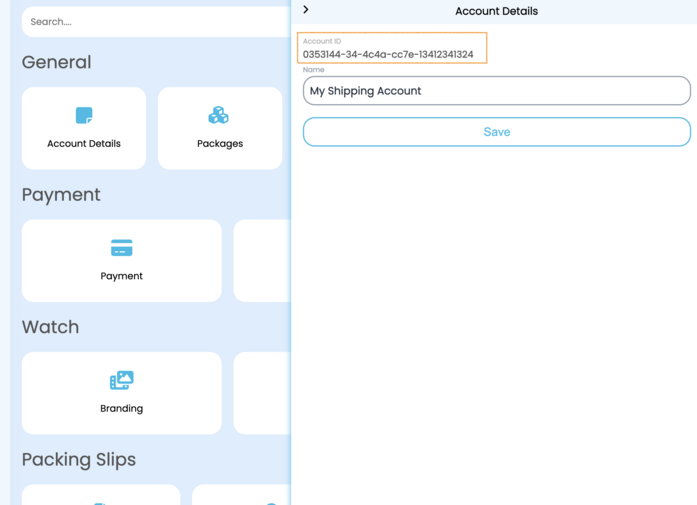
Step 5: Majority of our api calls will need to have an Account ID to associate the account you are making the api call for. You can get your Account ID by navigating to your
|