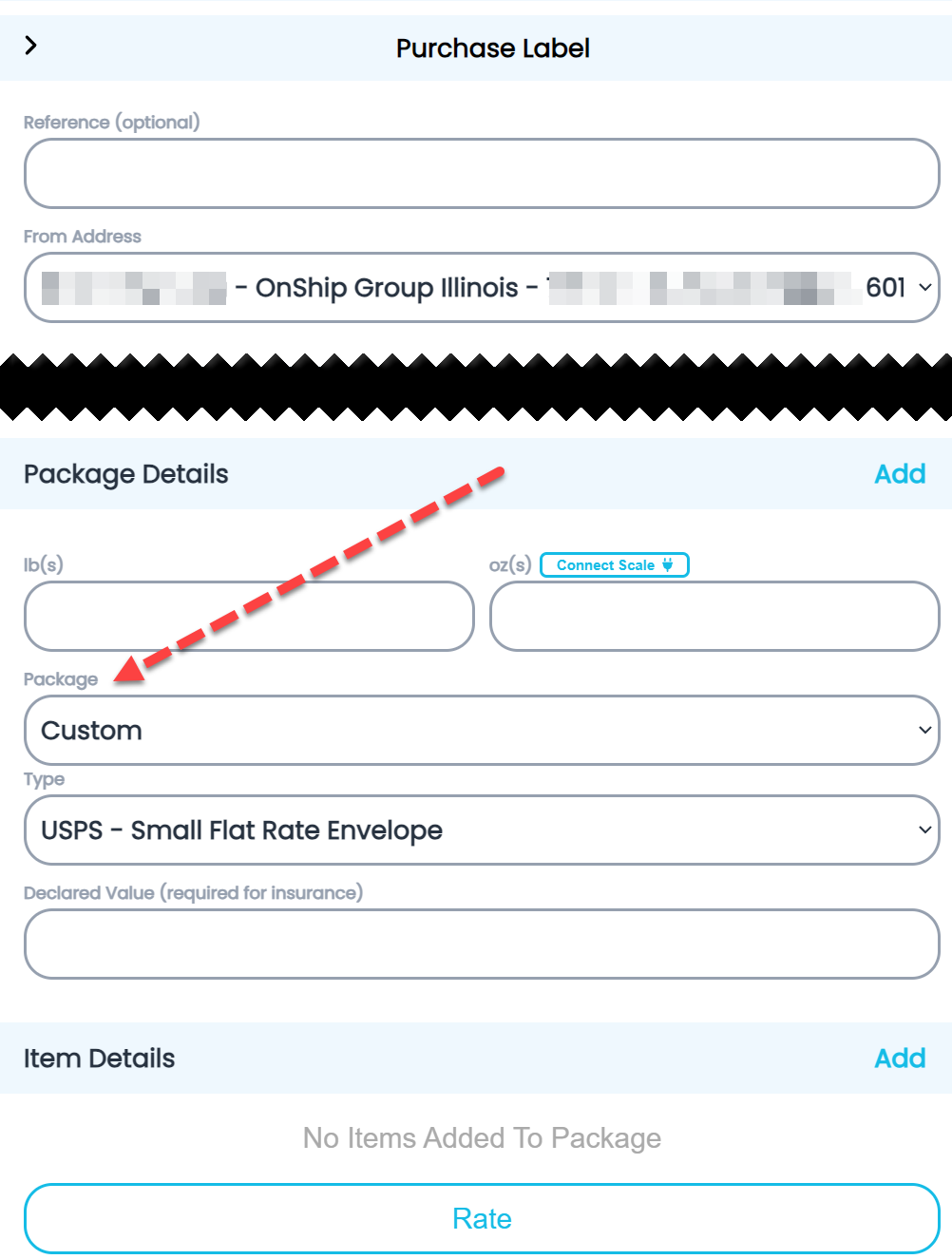
Add common package sizes
Video of steps taken (Best viewed full screen in 1080p)
|
The user will need admin access to complete this task! |
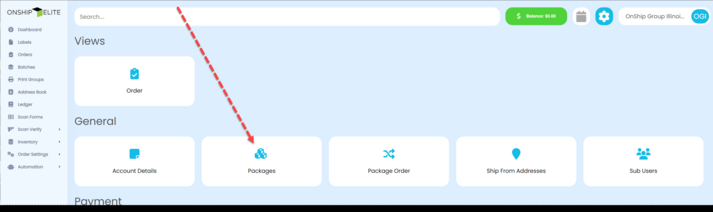
To add additional common package sizes go to the settings menu (gear icon top right corner)
|

Under General section click “Packages”
|
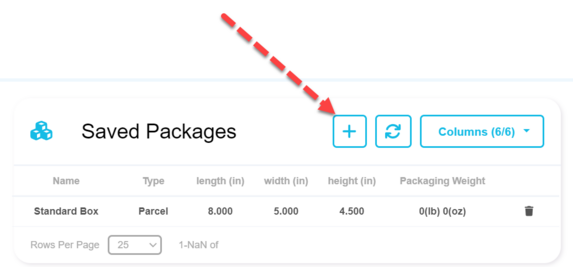
From the right side panel click the "+" button
|
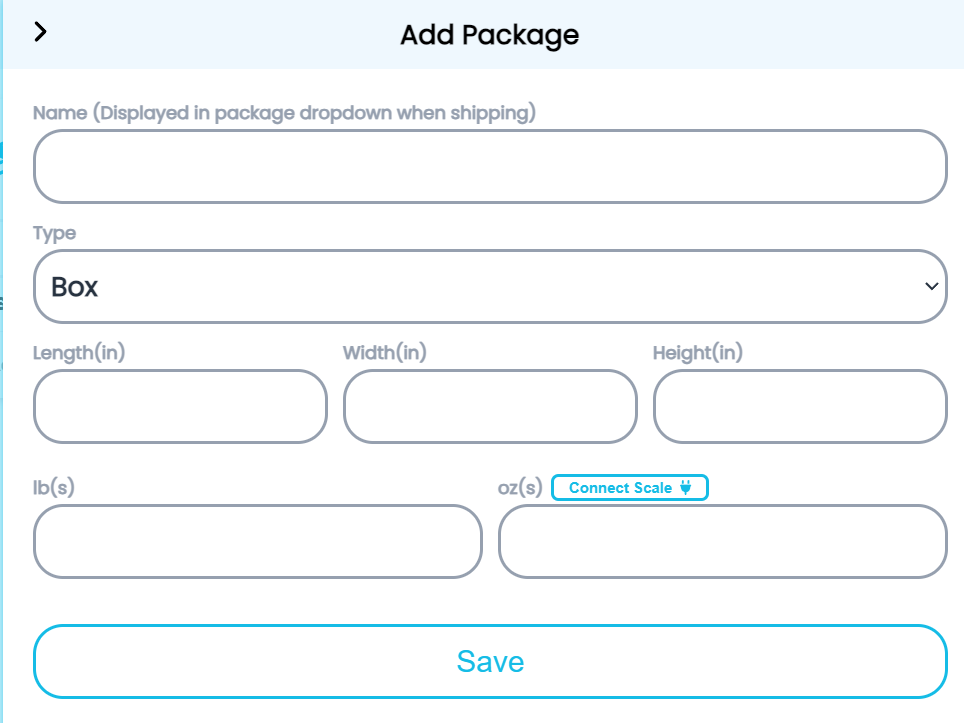
Enter the Package information: Name and Dimensions.
|
Name - Will appear in package drop-down list
Length - Enter the Length of package in inches
Width - Enter the Width of package in inches
Height - Enter the Height of package in inches
lb(s) - not required (This would be the weight of the empty box)
oz(s) - not required (This would be the weight of the empty box)
remember to click the "Save" button
|
The Packages (box types) will appear in the "Package" drop down under the Package details section when purchasing a label.
|