Digital Wallet - Auto Refill
| | | Video of steps taken (Best viewed full screen in 1080p)
|
| | The user will need admin access to complete this task!
|
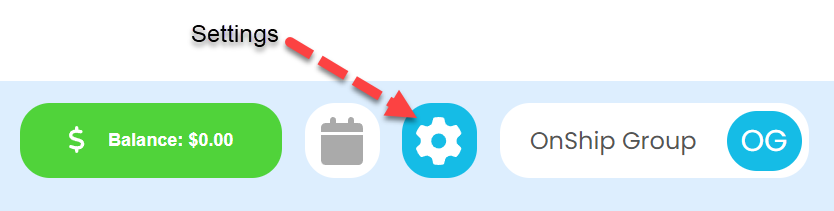
| | Click on the gear (Settings) icon at the top right corner of screen
|
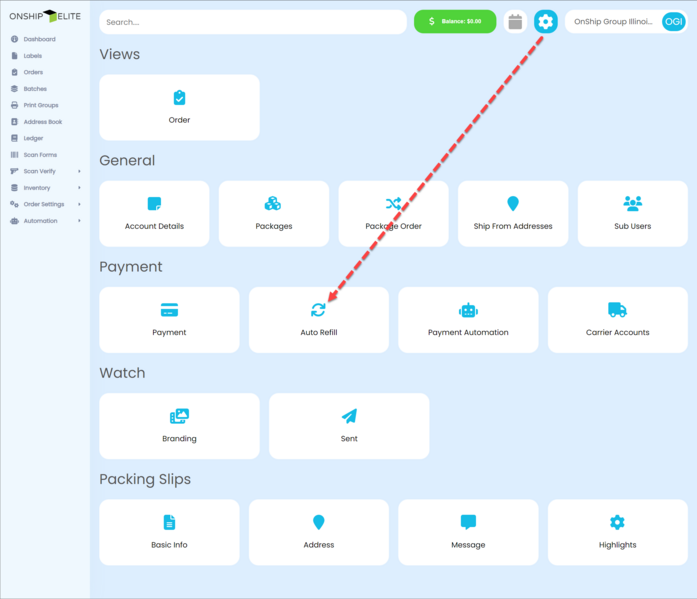
| | In the Payment section of the screen click the "Auto Refill " button
|
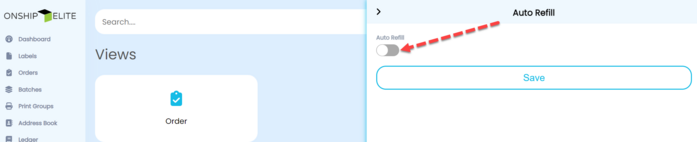
| | Slide the Auto Refill switch to on in the right side panel
|
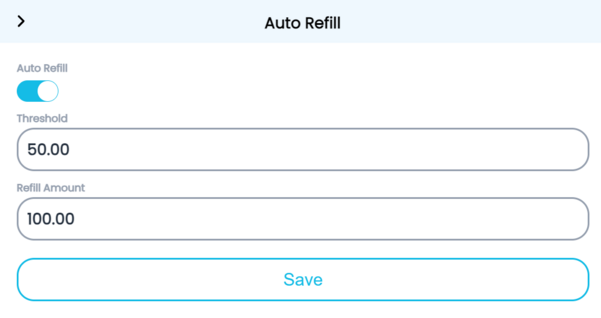
| | Enter the Threshold and Refill amounts and click the "Save" button
|
| | The "Threshold" is the balance wallet will get to before "Refill Amount" is added.
|