The user will need admin access to complete this task!
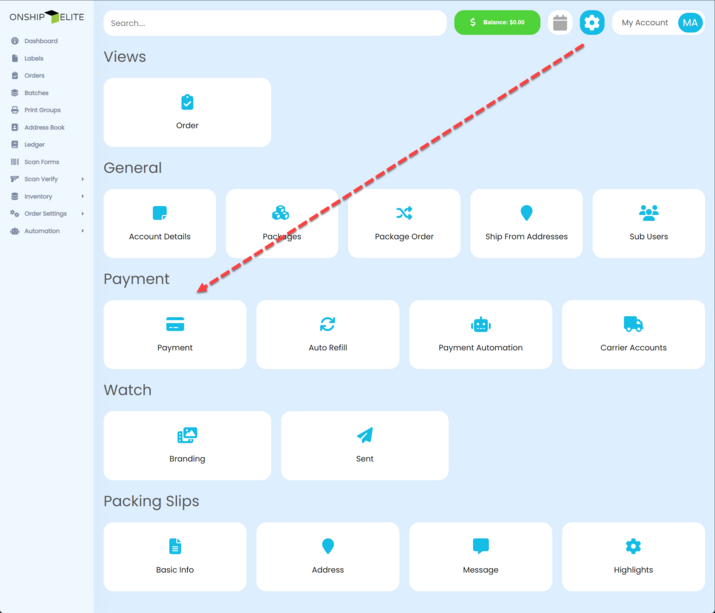
In the Settings Areaunderthe Payment section, click the "Payment" button.
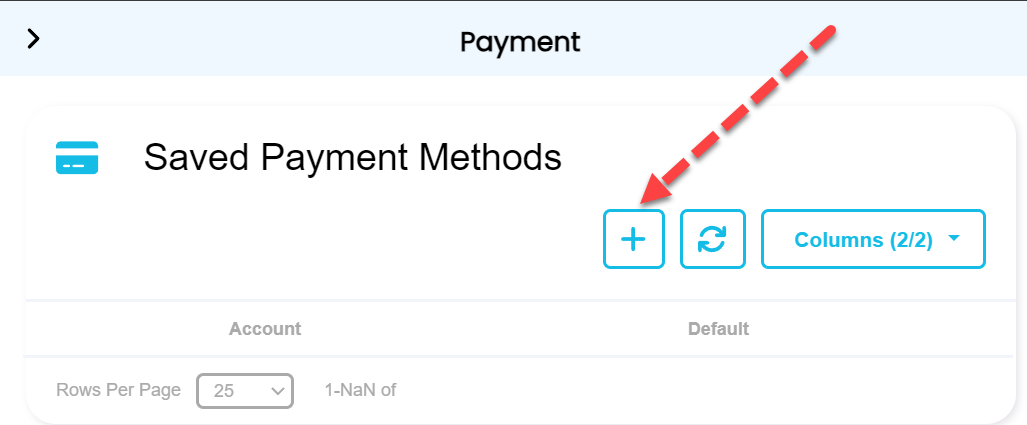
Click the + button to add a new method of payment
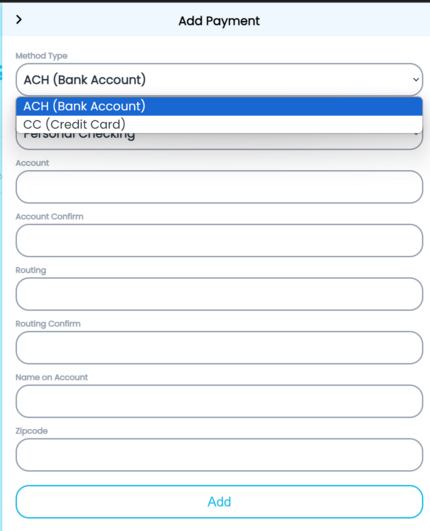
Select Method type from drop-down of either bank account or credit card and enter the details then click the "Add" button.
Note - credit card will not be available by default you must contact us at support@onshipgroup.com subject line "Credit Card Enable" to have it enabled.
There is a 3.5% fee when funds are added to the digital wallet.
Click on the gear (Settings) icon at the top right corner of screen