| | | Video of steps taken (Best viewed full screen in 1080p)
|
| | NOTE: The file type used is CSV with first row being the Header or column names.
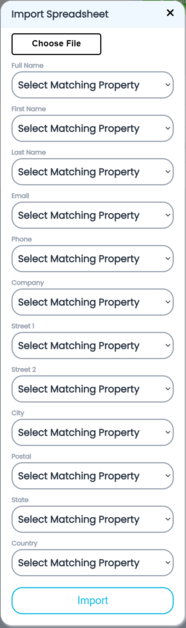
File layout fields are as follows:
-
Full Name - Company, Full name, or First and Last Name Required
-
First Name - Company, Full name, or First and Last Name Required
-
Last Name - Company, Full name, or First and Last Name Required
-
Email - optional but used to send shipment info
-
Phone - required for international
-
Company - Company, Full name, or First and Last Name Required
-
-
Street 2 - used for Apt or suites
-
-
Postal (zip code) - Required
-
-
Country - Note Required if missing defaults to USA
|
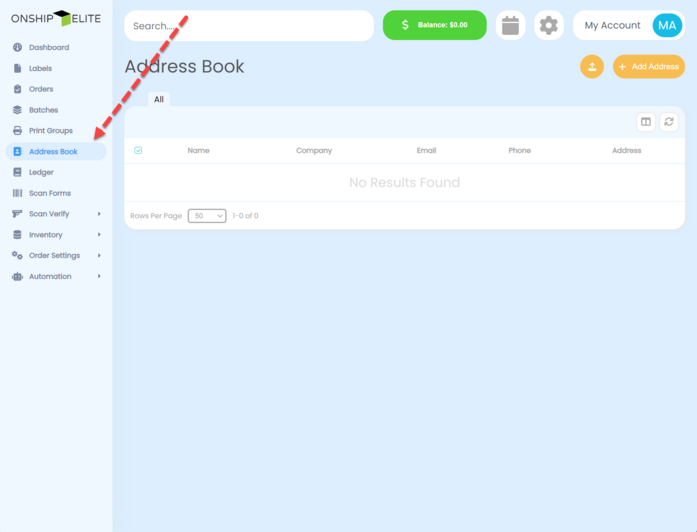
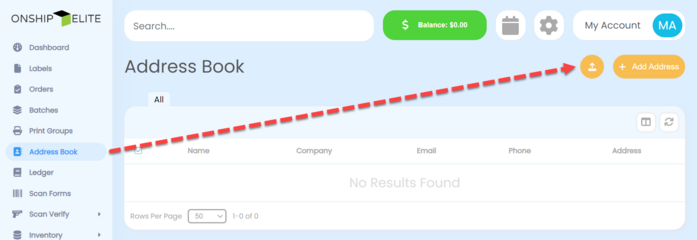
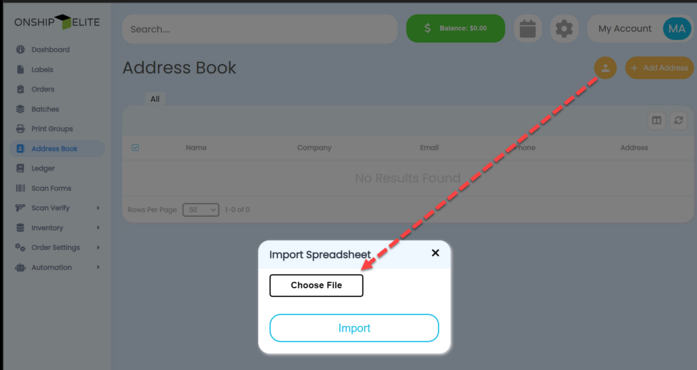
| | Select "Address Book" from the left side menu
|
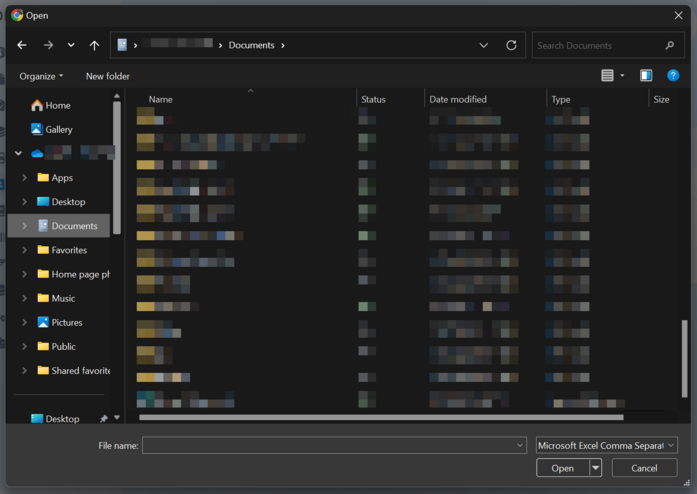
| | Navigate to the file and Click "Open"
|
| | NOTE: The file type used is CSV with first row being the Header or column names.
File layout fields are as follows:
-
Full Name - Company, Full name, or First and Last Name Required
-
First Name - Company, Full name, or First and Last Name Required
-
Last Name - Company, Full name, or First and Last Name Required
-
Email - optional but used to send shipment info
-
Phone - required for international
-
Company - Company, Full name, or First and Last Name Required
-
-
Street 2 - used for Apt or suites
-
-
Postal (zip code) - Required
-
-
Country - Note Required if missing defaults to USA
|
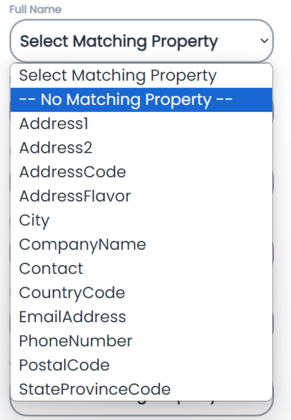
| | Select the drop down for each import field.
The drop-down boxes will contain the header or column names.
|
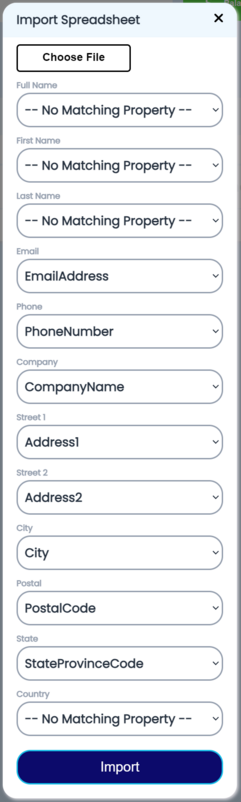
| | If the field is not used you must select "--No Matching Property--" from the import fields drop down.
|
| | Once all field are matching click the "Import" bottom of pop-up window
|
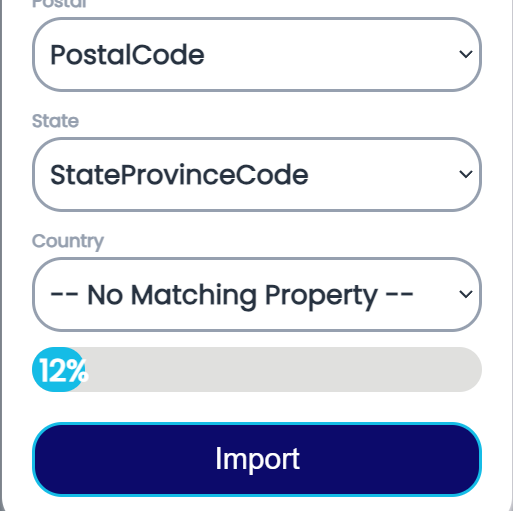
| | You will see a progress bar at bottom of window
|